

- Is InboxAlly Worth It? Here’s a Look at the Cost vs. Value - septiembre 2, 2026
- The Cheaper Way to Learn DTC: A Roadmap for Founders - agosto 21, 2026
- Domain Reputation Dropped? Here’s a Guide on How to Recover - mayo 22, 2026
Last Updated on agosto 25, 2026 by Víctor Carrera
A sudden drop in domain reputation can hurt your email performance fast. Open rates may fall, spam placement can increase, and mailbox providers may start throttling your sends.
When this happens, it’s easy to panic and make quick changes. Many operators change campaign messaging or increase sending volume to try to fix the problem. In most cases, that only makes things worse.
The good news is that domain reputation can usually be repaired. The key is to slow down, find the cause, and rebuild trust step by step.
Signs Your Domain Reputation Has Dropped
A reputation problem usually shows up in your campaign data first. Watch for warning signs like:
- Open rates dropping suddenly
- More emails landing in spam
- Bounce rates increasing
- Fewer replies
- Microsoft or Outlook throttling messages
- Warmed domains performing poorly
- Lower scores in Google Postmaster
If you notice several of these issues at once, avoid making fast changes to your campaigns. First, figure out what caused the drop, then spring into action.
1. Pause Risky Campaigns

If your domain reputation is falling, stop sending campaigns that could create more damage.
This usually includes cold outbound sends, large-volume campaigns, old lead lists, and any sequence with poor engagement. Continuing to send to risky audiences can create more negative signals and make recovery harder.
You may still be able to send emails that people expect and engage with, such as operational or transactional messages. Positive engagement can help support recovery.
But most of all, stop making the problem worse.
2. Find the Root Cause

Domain reputation problems usually come from a few common issues. Start by asking yourself some basic questions.
Is Your List Clean?
Old or low-quality data is one of the biggest causes of reputation damage. Sending to invalid addresses, unengaged contacts, or people who mark your emails as spam can hurt sender trust over time.
Check for:
- Hard bounces
- Spam complaints
- Low engagement
- Outdated contacts
Did You Increase Sending too Quickly?
Mailbox providers look for consistent sending behavior. If you suddenly increased volume, added new inboxes, or launched too many campaigns at once, that can trigger filtering.
Is Your Authentication Working?
Check your email setup and confirm that these records are working correctly:
- SPF
- DKIM
- DMARC
Also review tracking domains and return-path alignment. Small technical issues can lead to major deliverability problems.
Are Your Engagement Metrics Weak?
Low open rates, deleted emails, spam complaints, and poor reply rates tell mailbox providers that recipients may not want your emails.
Weak engagement over time can damage domain reputation, even if everything else looks fine.
3. Run a Deliverability Audit

Once you pause risky sending and review the basics, take a deeper look at your sending setup.
- Check your authentication setup in detail
- Check blacklists (recommended tools: MXToolbox, MultiRBL)
- Review your bounce data
- Use Google Postmaster
This helps you understand whether the problem is technical, list-related, or caused by sending behavior.
4. Clean Your Lists

Remove contacts that are likely hurting your reputation, including invalid addresses, disposable emails, role accounts, and unengaged contacts.
Sending to better data improves your chances of getting positive engagement and reduces the risk of more spam complaints or bounce issues.
As a general rule, list cleaning should be part of regular maintenance, not just something you do during a reputation problem.
5. Start Building Positive Engagement Signals

It’s a common misconception that once you’ve sorted out your authentication and cleaned your lists then you can start sending as per normal.
Remember, at this stage, Mailbox providers only see how recipients interact with your emails. They do not know that you’ve cleaned your lists or fixed your records behind the scenes.
Over the course of the next few weeks, assess who you’re sending to and what you’re sending. Mailbox providers will look for positive results such as increased open rates and replies, engagement and consistent healthy behavior.
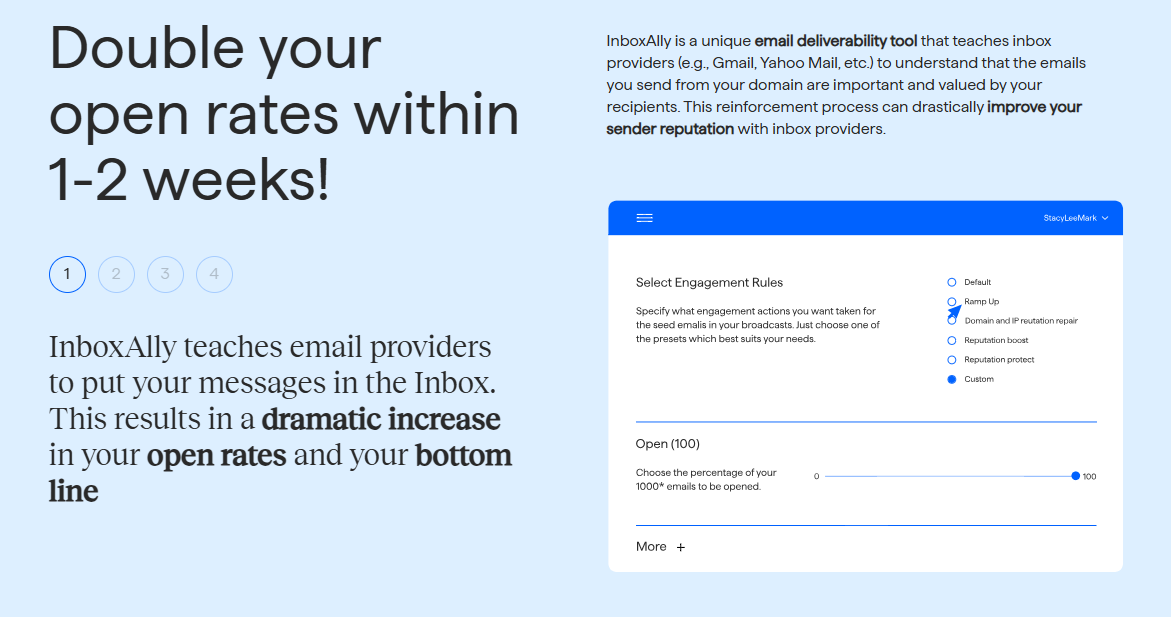
The one tool I found most useful in helping at this stage of remediation is InboxAlly. Unlike most warm-up tools, InboxAlly is focused on reputation recovery. It helps generate positive engagement signals by using seed accounts that interact with your campaigns.
These triggers consist of:
- Opening messages
- Replying to emails
- Removing emails from spam
- Marking emails as ‘important’
Some teams also use deliverability tools during recovery, since they’re designed to support reputation rebuilding by creating stronger engagement signals, but they work best as part of a larger recovery plan.
6. Increase Volume Steadily

One of the biggest mistakes operators make is going back to normal too quickly.
Recovery takes time, and mailbox providers want to see steady, healthy behavior.
A simple recovery approach might look like this:
- Week 1: Send only to highly engaged contacts and reduce volume significantly.
- Week 2: Increase volume slowly and monitor inbox placement.
- Week 3: Expand to broader audiences carefully.
- Week 4: Continue increasing volume while watching for spam issues.
Remember, you should try to move slowly. Rushing this step can undo your progress, waste time, and waste money.
Helpful Tools for Each Stage of Recovery:
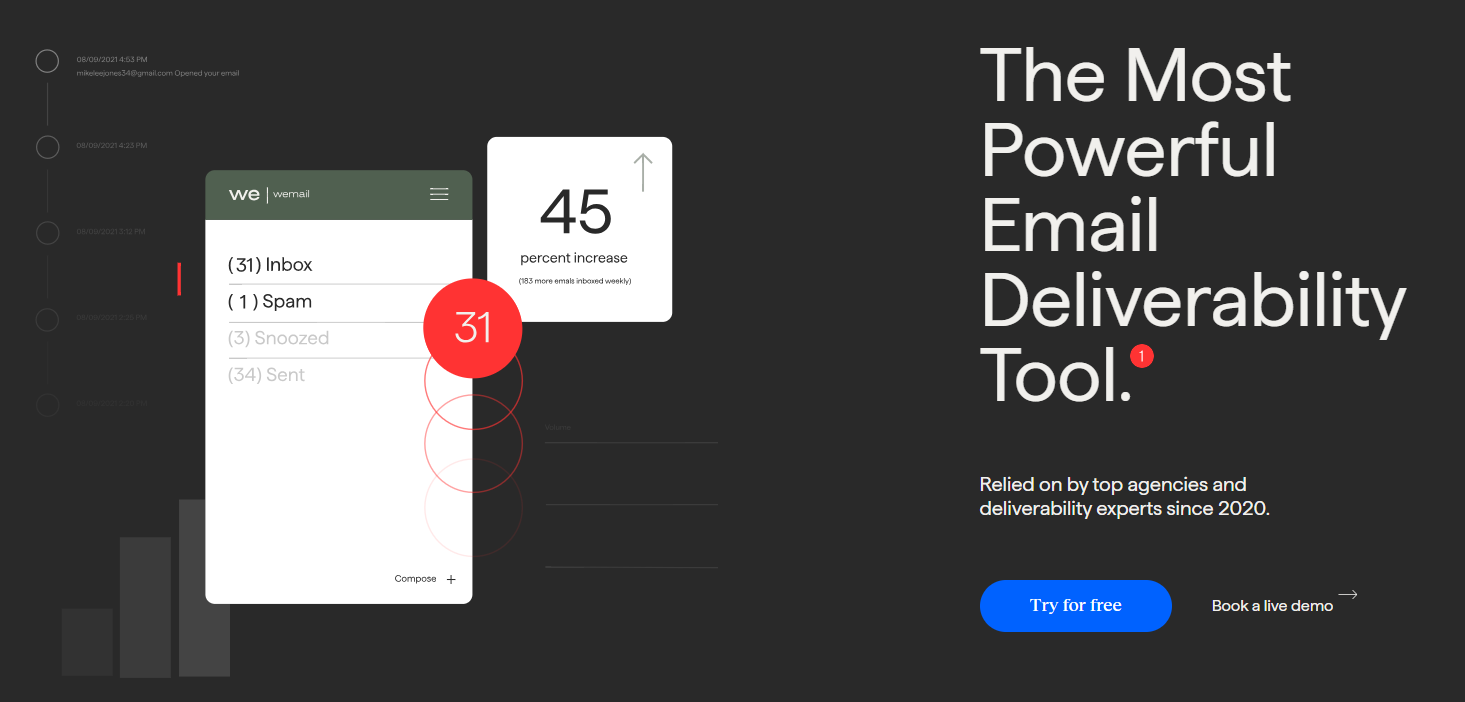
Different tools help solve different problems throughout the process and there are a wide variety of tools in the market that cater to specific needs and budgets.
Reputation Recovery
List Cleaning
Reputation Monitoring
Inbox Placement Testing
What Not to Do
Don’t Ignore Early Warning Signs
Early warning signs and not giving the remediation process due diligence and time can result in a much longer, and more complicated road to recovery. Many operators think that increasing volume in sends or campaigns will compensate for poor performance, and won’t follow through with the necessary domain checks.
Don’t Forget to Clean Your Lists
Once the technical setup and infrastructure are verified, sending to outdated, unengaged lists will hinder the process. I recommend cleaning your lists regardless, every 3 to 6 months. For databases larger than 10000, a monthly clean-up will ensure your campaign performance is consistently healthy.
Don’t Change Your Campaign
Changing messaging, imagery or copy is seen as a ‘quick fix’ but a campaign cannot be responsible for a drastic domain reputation drop. Avoid making too many changes as you’ll lose track of what the actual problem is.
Don’t Focus on One Mailbox Provider
Gmail is one of the biggest email providers but you shouldn’t overlook Microsoft filtering behavior.
Try Our 6 Steps to Recovery and See What Happens
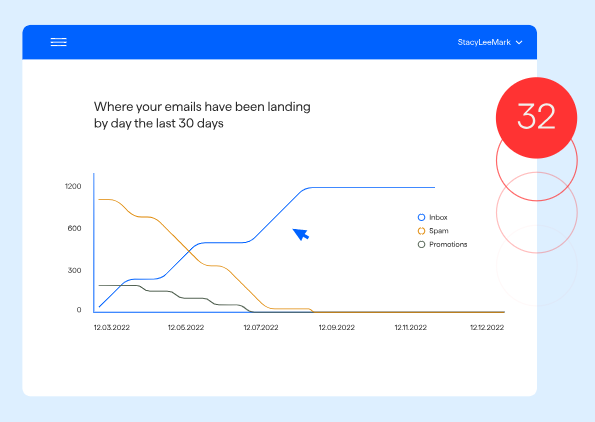
You might be able to go from a completely deteriorated domain reputation to fully remediated and healthy within two months.
Seeing campaign performance decline drastically is tough when you’ve done everything by the book. Keep in mind, there is no such thing as a perfect campaign and should your domain take a hit, follow the simple steps:
- Pause large-scale sends
- Find the root-cause of the issue
- Fix any broken technical setup records
- Clean data
- Start rebuilding engagement
- Restart sending slowly and conservatively
The best way forward from a domain drop is to stay in control and use the variety of tools available. It’s imperative to be methodical rather than reactive, so using deliverability tools can help you gain confidence in the remediation process until your domain reputation is healthy.




 English
  German
  Spanish
  French