

- Best Screen Recording Software for Enterprise Teams - novembre 5, 2026
- How to Get Your Brand Mentioned in Claude (and why your ChatGPT visibility strategy might not be enough) - novembre 2, 2026
- The Best Inbox Placement Test Tools I’ve Tried - novembre 2, 2026
Last Updated on novembre 5, 2026 by Stephany Montero
When you work in project and operations management, you quickly realize how often you explain processes and procedures to people, and honestly, it can get really repetitive.
I’ve always preferred to have an arsenal of tools at my disposal for different functions and scenarios. What works for one organization won’t necessarily work as effectively for the next, and that’s where using purpose-built software can really make your life easier.
Screen recording software has come a long way, and it’s been one of the tools I’ve used extensively over the last few years to ease the administrative burden of explaining tasks that often arise during training and onboarding, or when doing a product demo for a team member or customer.
That said, enterprise screen recording software tends to be built around specific problems: some are great for automating process documentation, others are better for polished product demos, and some are ideal for video content and asynchronous communications.
This means the best choice really comes down to your organization’s needs, and choosing the “best fit” rather than the “best overall,” especially when you have unique needs.
With this in mind, my breakdown below evaluates these tools fairly against their specific standout features, what they were created for, and where they’re a strong (or poor) fit for enterprise organizations. I’ve used several of these tools over the years, and many have improved or added features worth revisiting if you haven’t looked at them in a while.
My Top 5 Tools – At a Glance
| Tool | Best for | Standout feature |
| Guidde | AI-powered workflow capture for video and documentation. | Reusable guides and advanced AI features |
| Loom | Quick capture for async teams | Ease of use and simplicity |
| Camtasia | Professional video output for corporate teams | Advanced video editing |
| Tango | Contextual user guidance and in-app workflow support | Converting repeatable workflows into step-by-step guides |
| Supademo | High-quality interactive product demonstrations | Click-through product demos and tutorials |
What I Look For in Enterprise Screen Recording Software
Although some of these features will vary in how advanced they are, screen recording tools should share similarities and be able to perform (to a greater or lesser extent) the functions below.
- Facile à mettre en place – I want a tool that loads quickly and doesn’t require lengthy installation and finicky setup.
- Content creation & quality output – The output should match the quality and purpose of the content I am creating. Do I need a quick recording, or rather something more polished?
- Enterprise-grade features – When considering enterprise requirements, I prefer tools that comply with certain privacy or regulatory standards such as GDPR, SOC 2, SSO, and other controls.
- Integrations & sharing – I look for compatibility with existing popular applications and software. Tools like this should also offer multiple methods to make it easy to share, publish, or embed videos into various sources, such as knowledge bases.
- Ease of scaling and maintenance – Larger organizations need to ensure it’s easy to keep up with internal changes and maintain it over the long term.
After a decade in project and operations management, I know that screen recording is often the easy part. Long-term content management can be time-consuming, but it’s one of the more critical, and often overlooked, areas of operations. There are, of course, many unique features within each tool that may matter more to you, and these will vary by organization.
My one call-out here would be that a lot of enterprise features tend to be available on higher tiers, so make sure you’ve considered that before making a decision.
My Top Picks – Screen Recording Software for Enterprise
1. Guidde – Best for AI-Assisted Workflow Capture
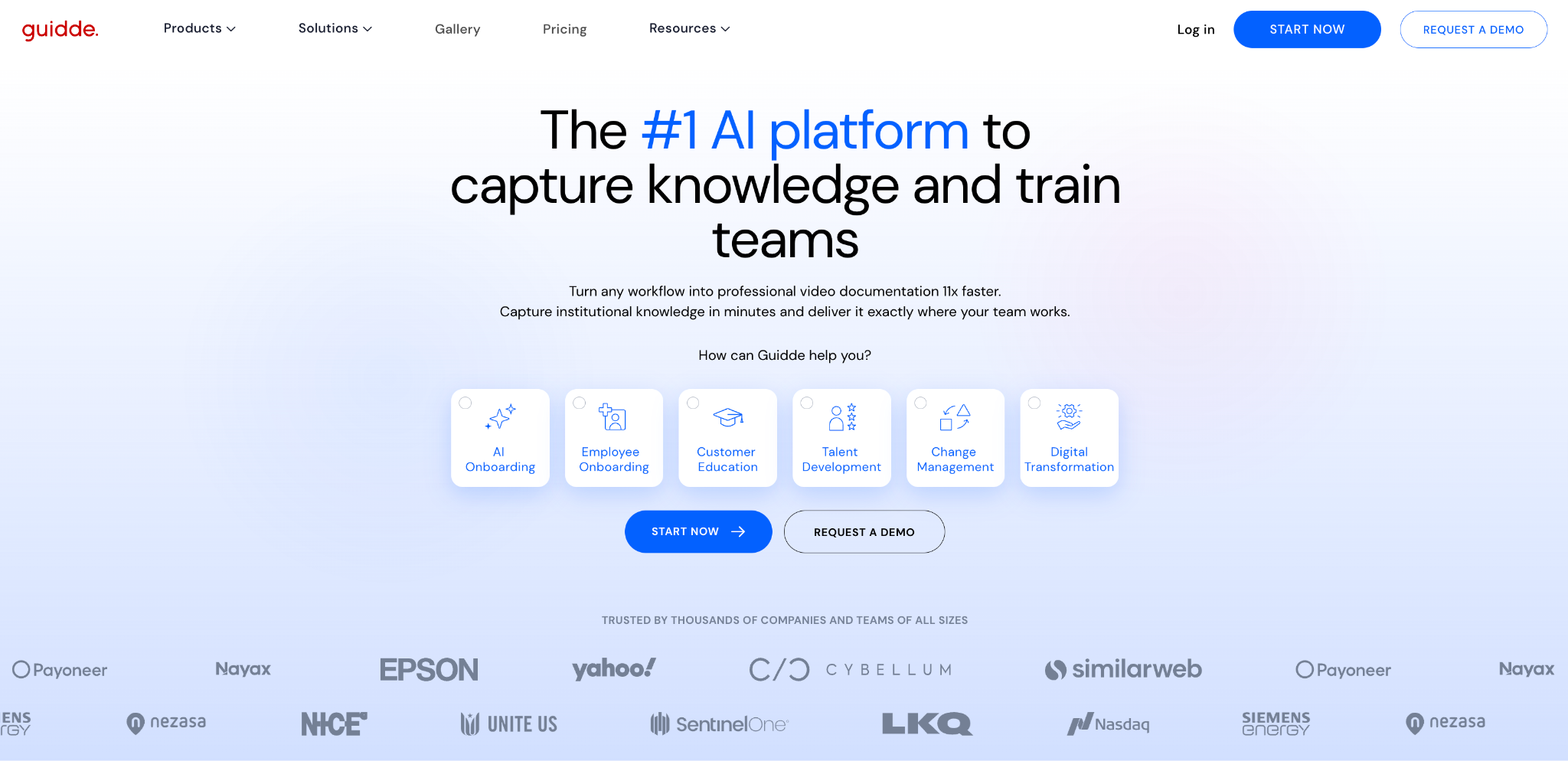
I’ve used Guidde over the past few years to capture SOP’s, how-to guides, quick product snippets, or anything I needed to explain over and over again. I recently used it again, and I’ve been amazed by the newer features they’ve added, which have taken it from a simple screen-recording tool to an AI-assisted content creation tool that makes it a great fit for enterprise teams.
Standout Features:
Guidde has many new functionalities I’d recommend taking a look at; however, when looking at features for enterprise teams, these are the ones that really stood out to me.
When creating videos, guides, documents, or processes, Guidde’s automatic capture lets you transform automatically generated steps into a video or document, and you can easily add in an automated voice-over. Ideal for teams that want a consistent, professional-sounding video.
I’ve found editing a lot easier too, whereas many other tools tend to be finicky. Once captured, it automatically generates suggested quizzes based on your content, which I’ve found to save a lot of time.
Another really impressive feature is that screen recording has gone beyond just desktop, and Guidde lets you capture on mobile. Teams with field-based workers, like construction, retail, hospitality, and more, can now capture important processes or how-to guides on their mobile phone and turn them into a professional guide! This is not something I’ve come across with other tools.
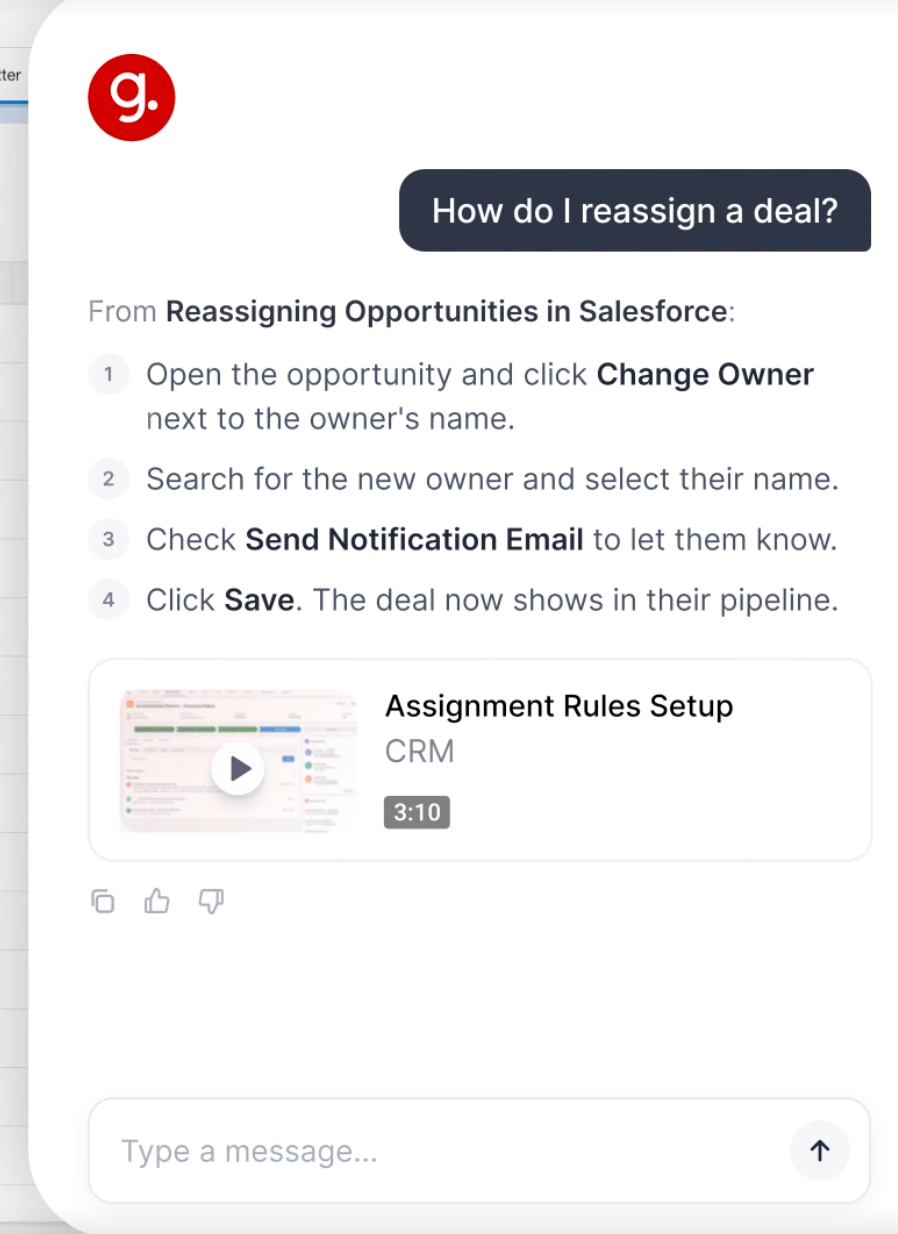
“Ask Guidde” helps users easily navigate extensive libraries of videos and resources, making it easy to find specific content and simplify everyday tasks. Especially when you’ve grown an extensive knowledge base or wiki!
From an ops and project perspective, I’ve found this is typically one of the hurdles across larger organizations: the content is there, but it’s hard to find, and Ask Guidde really helps solve these types of problems.
Another factor that has become increasingly important when I look at software is data governance and compliance standards; it’s worth mentioning that Guidde meets SCIM, GDPR, and SOC 2, and allows for additional security controls.
With automatic sensitive data redaction and Guidde’s “Magic Blur” tool, data-sensitive teams in highly regulated industries can have peace of mind when users create content.
The Trade-Offs:
- If your team is hyper-focused on customer-facing, super polished videos, you may need to look at tools with more advanced video-editing capabilities.
- Some of the features I’ve mentioned are only available on the enterprise plan.
Pricing:
- Plan gratuit disponible
- Paid plans range from $19-$39 per creator/month
- Enterprise plans carry custom pricing plans
My Take:
Overall, I’ve found Guidde a strong option for larger teams who need to turn operational and instructional processes into easy-to-use videos and documents.
2. Loom – Best for Asynchronous Teams
Loom is another tool I’ve come back to over the last decade. Regardless of company or team size, Loom has always been useful for various quick information-sharing snippets.
Standout Features:
Its simplicity is its strength, and I value tools with a low barrier to entry. You don’t need advanced skills or advanced setups to get going.
In my current role, I work with team members across several time zones, so aligning training sessions can be really hard. This is where Loom is great! It’s easy to record and share team updates or information, and users can watch on their own time (without requiring a login).
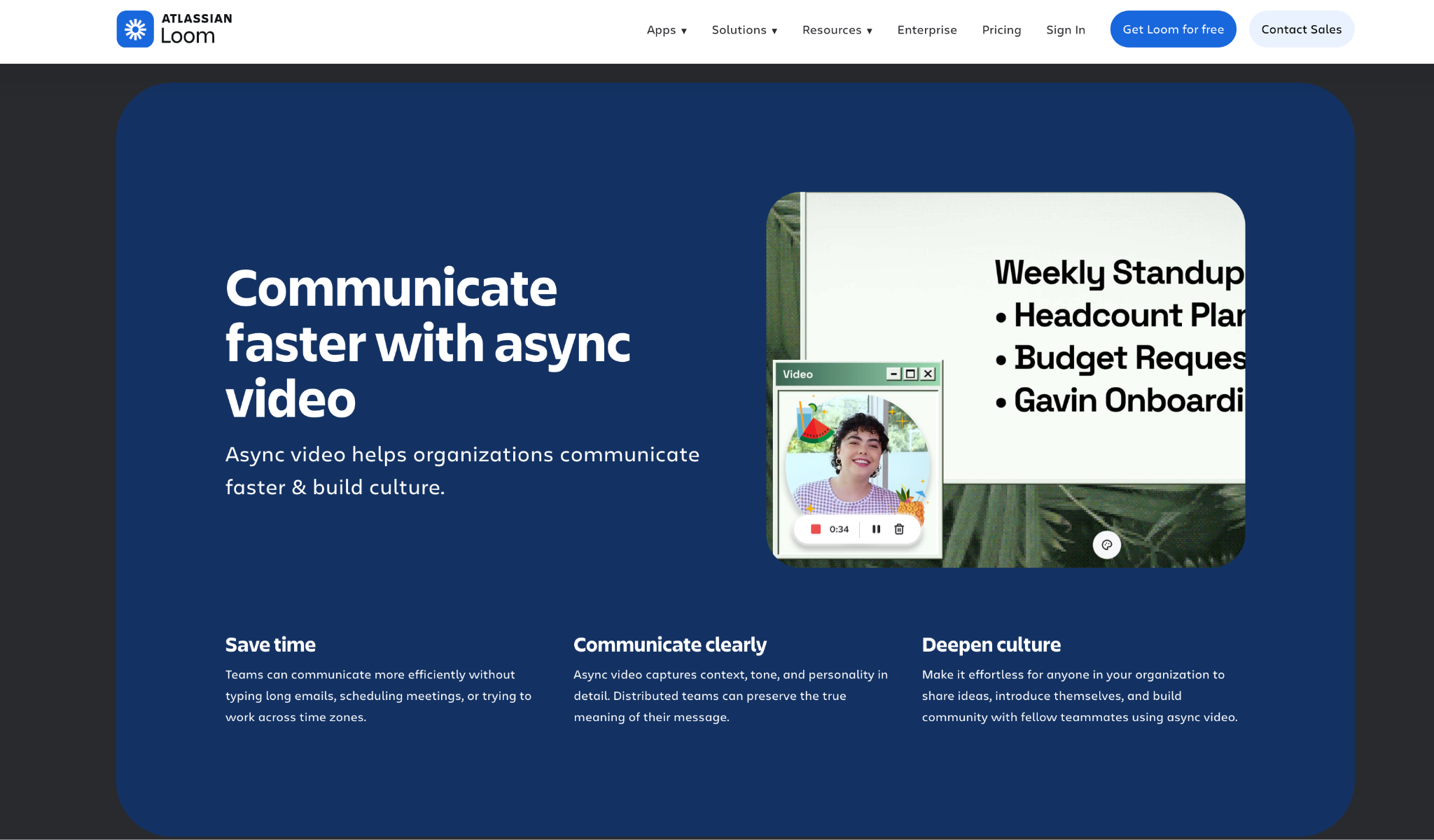
With the acquisition by Atlassian, Loom now integrates easily into Jira and Confluence, so you can share videos right where your team already works.
I’ve also noted that the data regulations align with GDPR, CCPA, and SOC 2 Type 2, and other advanced controls help enterprise teams know that their data is secure.
The Trade-Offs:
- The free plan is really limited
- Loom has limited advanced features, such as video editing or quizzes, so in some cases enterprise organizations may find the tool suited to few requirements.
Pricing:
- Plan gratuit disponible
- Paid plans start at $18/user per month and go up to $24/user per month
- Custom pricing upon request for enterprise plans
My Take:
Loom is an excellent option for teams that need a simple, quick tool for async training, knowledge sharing, and team check-ins.
3. Camtasia – Best for Professional Video
Standout Features:
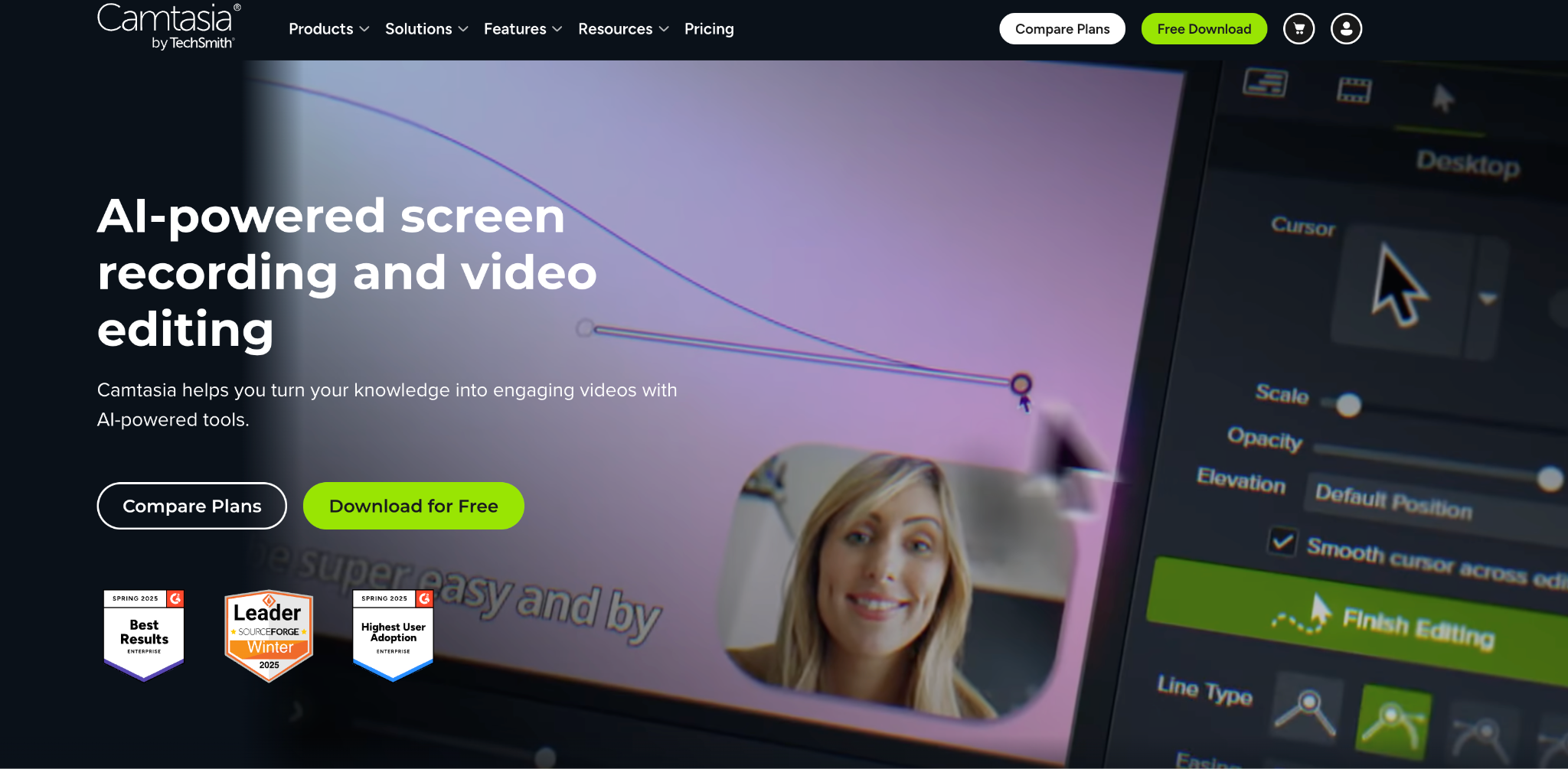
Camtasia is purpose-built for teams that need a polished video with advanced editing control, which can be really helpful when creating external videos. I’ve used Camtasia a lot to create product demos or tutorials for sales teams or customers because of its quick, high-quality production look and feel.
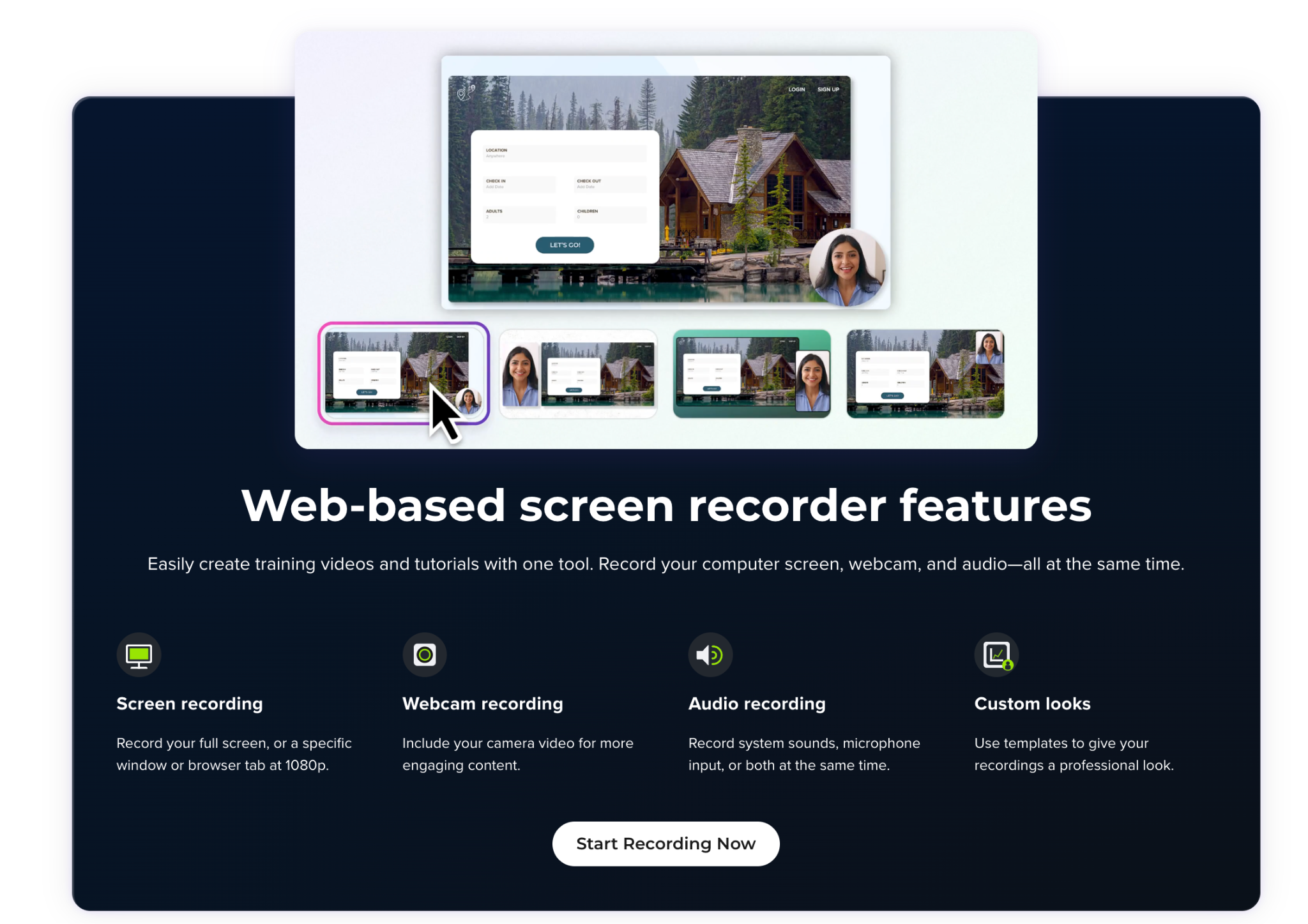
Camtasia has added many AI features that make video editing much easier, including advanced audio effects, annotations, AI avatars, narration, and translations.
The Trade-Offs:
- Requires a lot more technical know-how to make the best use of the advanced video editing
- Limited to video; doesn’t allow automated document generation.
- Can be higher priced compared to other tools
Pricing:
- No free plan available
- Business and team plans start at $198/user per year
- Enterprise plans have custom pricing
My Take:
Camtasia is an excellent option for teams that need production-quality videos for external use, customers, or corporate training.
4. Tango – Best for Workflow-Based Screen Recording
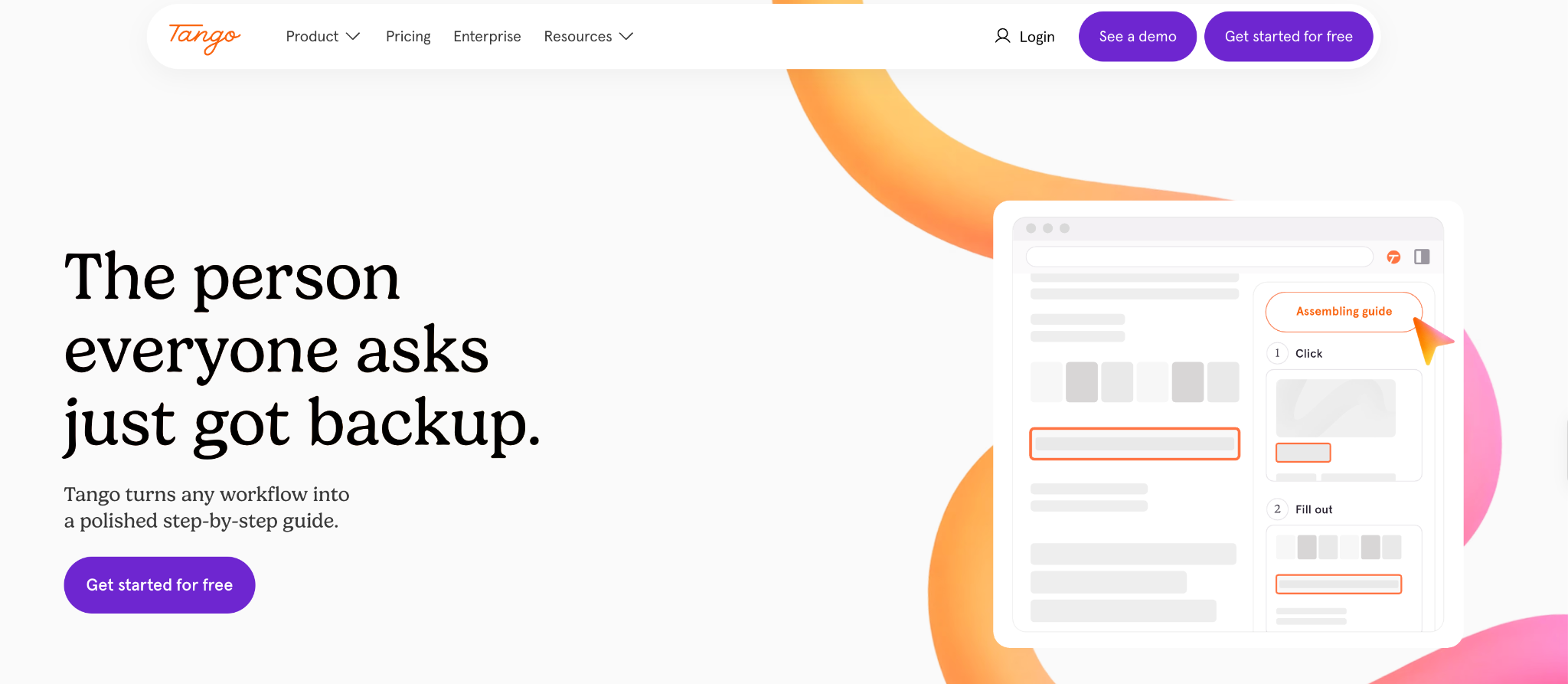
Tango helps teams capture workflows easily and turn them into reusable step-by-step guides.
I’ve found Tango most beneficial for organizations with internal teams that need to access helpful content right where they use the software, using the “Pins” and “Guide Me” features. I’ve also found it especially useful for reducing delays and identifying bottlenecks.
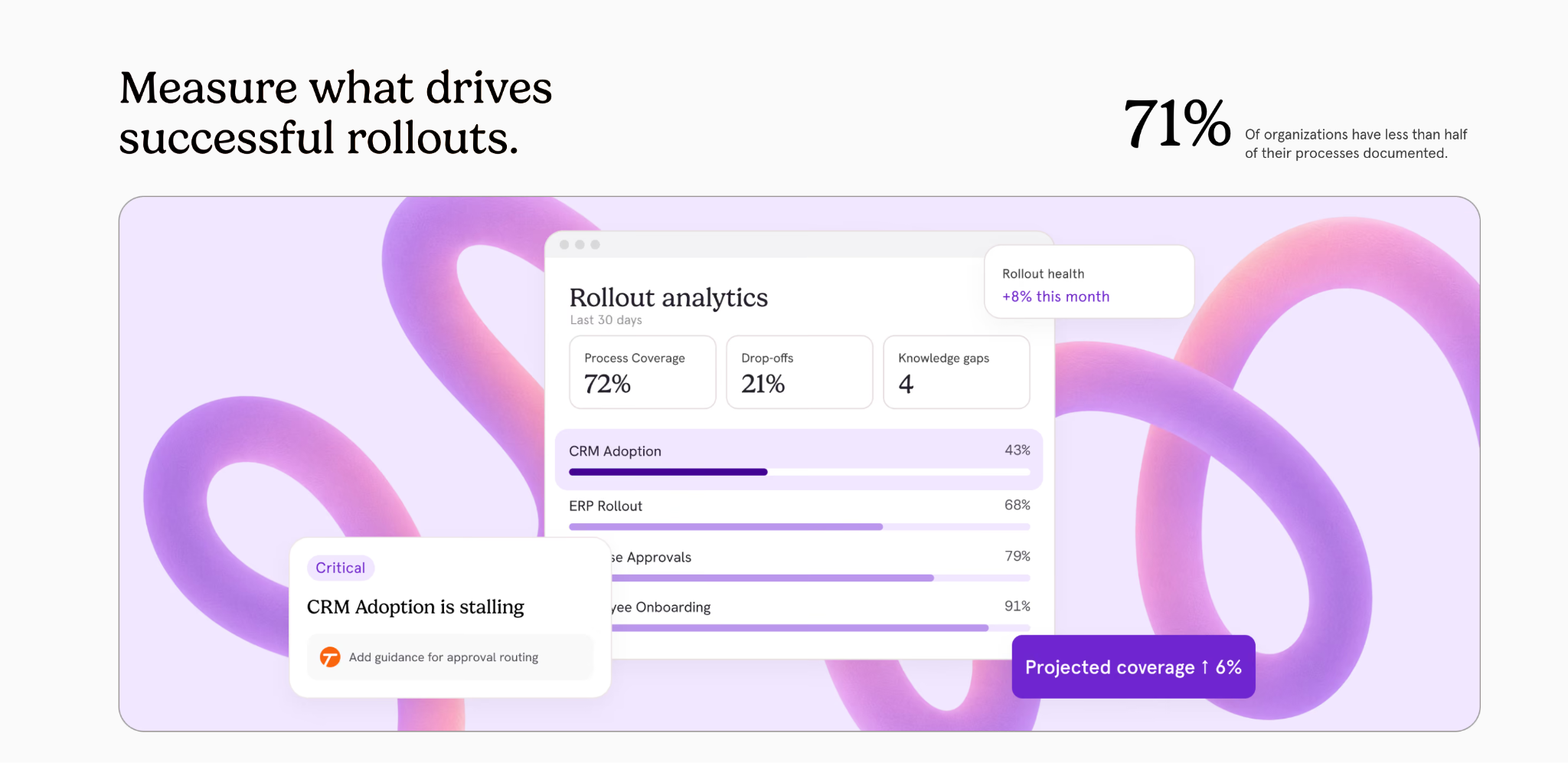
Tango also complies with similar sensitive information compliance standards, so users can create content without worrying about sharing sensitive data outside the organization.
The Trade-Offs:
- Tango’s editing features are limited, so teams needing more professional guides or documentation may need to use third-party tools.
- Export formats tend to be more limited than other screen recording software I’ve come across
Pricing:
- Plan gratuit disponible
- Paid plan $15 /month per user (on the team plan)
- Enterprise plan costing is upon request only
My Take:
Tango is a strong option for teams that need to offer in-app or contextual user guidance where bottlenecks or learning delays appear.
5. Supademo – Best for Product Demonstrations for Customer-Facing Organizations
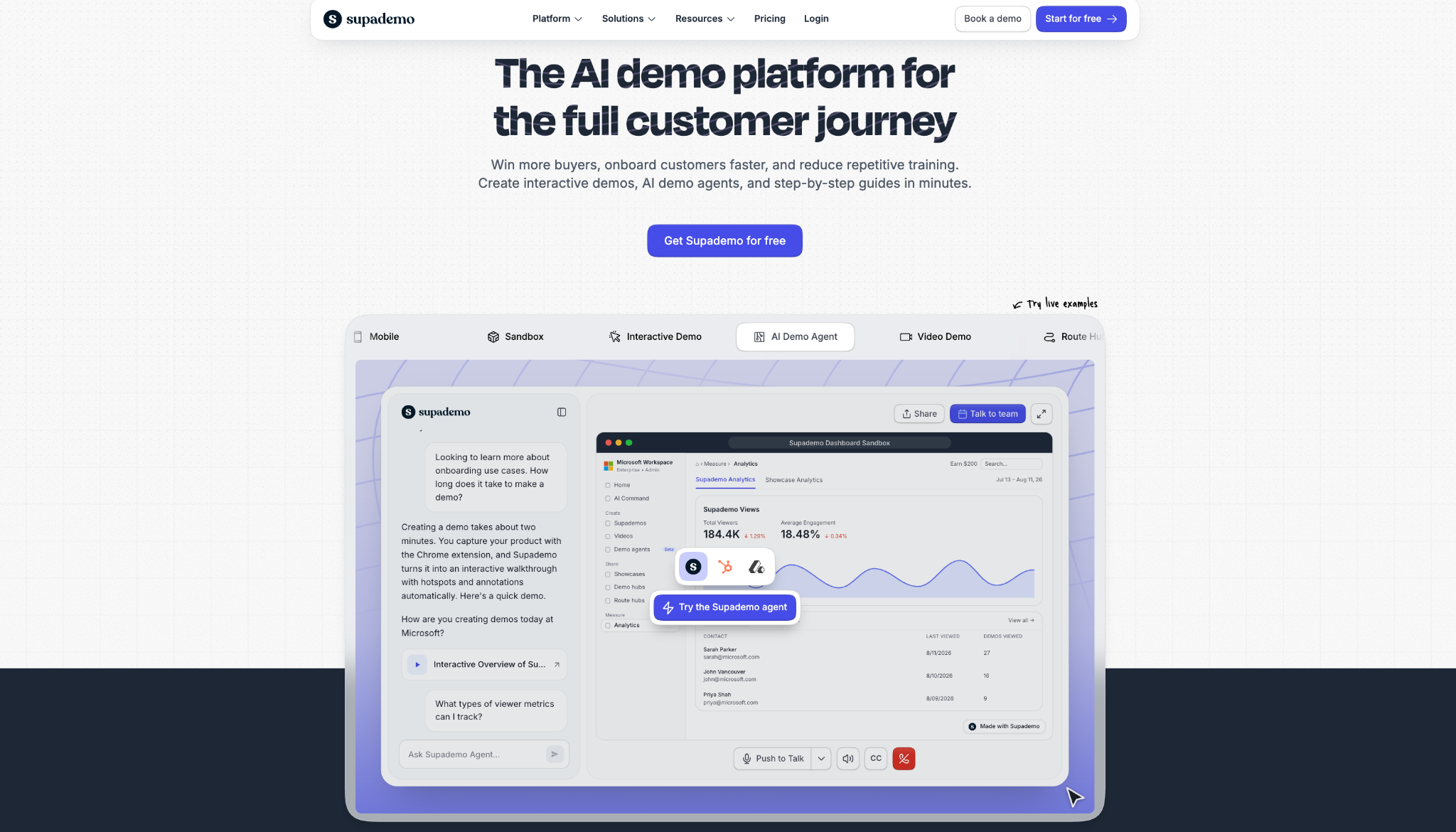
Many of the tools I’ve used are focused on specific needs, such as internal team documentation, but Supademo is purpose-built for software teams that need a professional way to record, share, and educate teams on their products.
Standout Features:
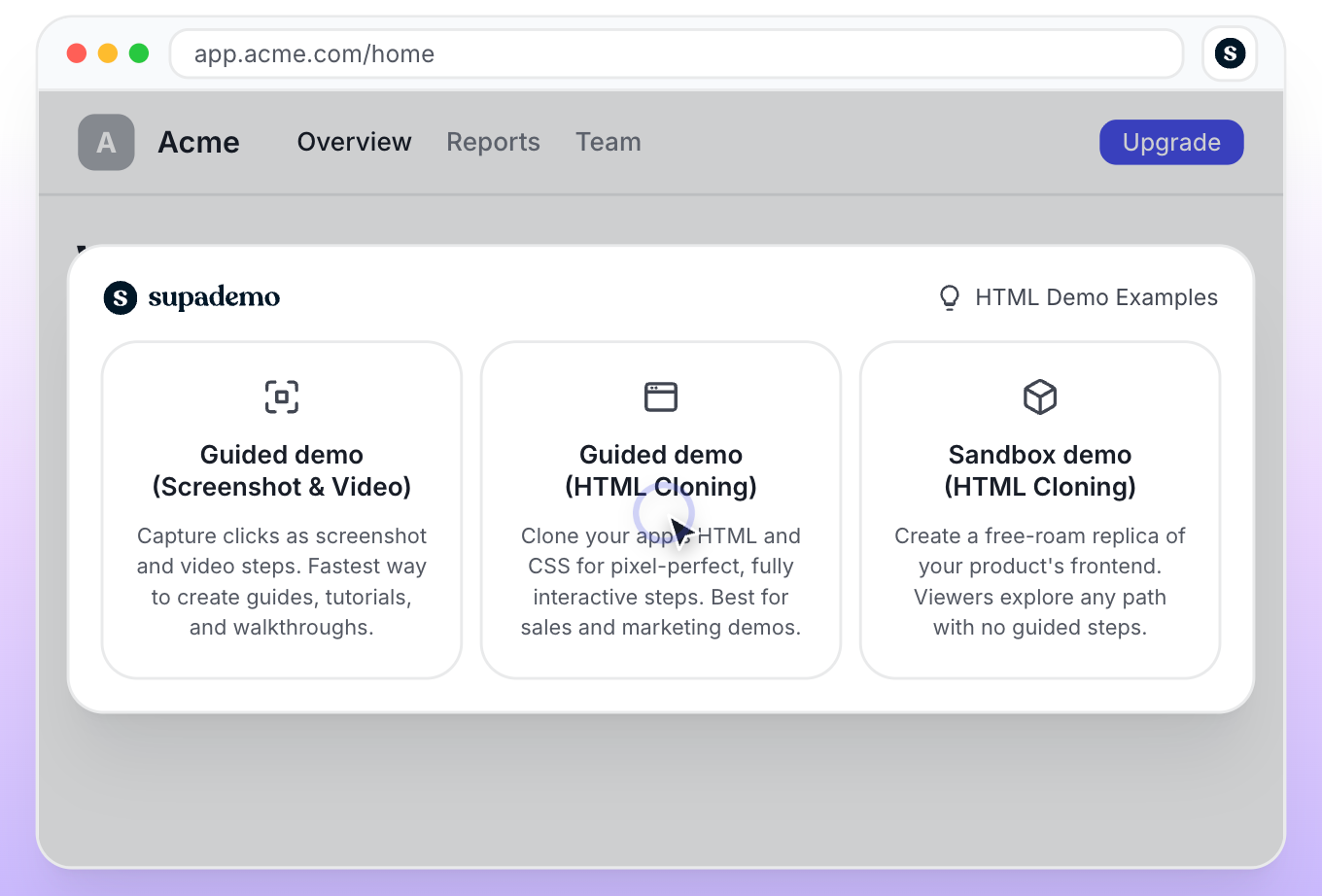
With interactive features, it makes customer journeys engaging and useful for internal and external stakeholders. In some cases, a straightforward screen-share recording may be sufficient, but it often falls short for product teams that need specific technical features, such as HTML and CSS cloning.
The Trade-Offs:
- Purpose-built for product teams, so it’s less suited for wider use cases and non-technical teams.
Pricing:
- Plan gratuit disponible
- Paid tiers range from $38- $350 per month (depending on team size); additional users are charged separately.
- Enterprise plan has custom pricing upon request.
My Take:
Supademo is ideal for product-led teams that need more interactive software demos for customer-facing teams.
My Final Take
Deciding which option is best for your organization will come down to what happens after you’ve completed screen recording. What happens to the content once it’s created, who manages it, how it’s maintained, and who the intended consumers are.
Understanding these questions first will help you decide which tool makes sense for your business and which enterprise features really matter.
Guidde is a great option for businesses that can benefit from AI-assisted documentation workflow capture. Loom makes asynchronous quick video capture ideal for globally dispersed teams. Camtasia is ideal for high-quality video production. Tango is a good option for teams that need in-app guidance, and Supademo makes creating product demos easy and interactive.
Whichever tool you choose, I recommend trying it before buying, especially since most offer a free plan. The best option for your organization will come down to which enterprise features help you solve your own internal and business needs.



 English
 German
 Spanish
 French