

- Training Video Localization for Global Teams: Methods, Tools, and Tips - Oktober 31, 2026
- How to Document Business Processes Using AI - Oktober 14, 2026
- Email Deliverability for Real Estate Agents - September 28, 2026
Last Updated on Oktober 31, 2026 by Stephany Montero
Training videos are a great way to teach employees new skills, explain company procedures, and introduce software. But when your team works across different countries, creating a video in English may not be enough.
Employees need training they can understand and follow, regardless of where they’re located or which language they speak. But producing separate videos for every language can be expensive and time-consuming.
AI-powered translation and voiceover tools are making it faster and more affordable to adapt training videos for global audiences, but effective localization involves more than just translating a script. You also need to consider cultural differences, visual elements, and whether the translated instructions are accurate.
Here’s how to approach training video localization so your content works for employees around the world.
What Is Training Video Localization?

Training video localization for global teams is the process of adapting a video for employees who speak different languages or work in different regions.
Translation is part of that process, but the two terms aren’t interchangeable.
Translation focuses on converting spoken or written content from one language into another. For example, you might translate an English training script into Spanish or add French subtitles to an existing video.
Localization goes further. It takes into account the language, cultural context, visuals, and other details that make content understandable and relevant to a particular audience.
A training video created for American employees might include references to U.S. workplace practices, dates written in month/day/year format, or screenshots of software with English-language menus.
Just translating the narration won’t necessarily make those elements useful to employees in Germany or Japan.
Effective localization means looking at the entire training experience and adapting the elements that could confuse or distract your audience.
Three Ways to Localize Training Videos
There are three common approaches to making training videos accessible in different languages. Each has advantages depending on your budget, audience, and content.

1. Subtitles
Subtitles display translated text while the original audio plays. They’re relatively inexpensive and work well for short informational videos, policy updates, or training employees can watch at their own pace.
However, reading subtitles while following an on-screen demonstration can be difficult. Employees may miss important visual details while concentrating on the text.
2. Professional Voiceover
Professional voiceover uses a human narrator to record a translated script. It offers natural pronunciation, pacing, and tone, making it especially useful for sensitive or high-stakes training, such as safety procedures or compliance topics.
The drawbacks are cost and production time. Each language requires translation, recording, and editing, and updates may mean recording portions again.
3. AI Dubbing and Translation
AI-powered tools translate training content and generate narration using synthetic voices. This makes it faster and more affordable to produce videos in multiple languages, especially for organizations with large training libraries or frequently updated content.
Plattformen wie Guidde build this into the recording process, so you can capture a workflow once and share it with teams in any language. It’s a good fit for software tutorials, onboarding, and procedural training.
Keep in mind that AI translations still require human review, especially when videos contain technical instructions, product names, or specialized terminology.
How to Localize Training Videos for Global Teams

1. Identify Your Target Audiences and Languages
Start by identifying where your employees are located and which languages they use at work. Don’t assume everyone in a particular country speaks the same language or prefers the same type of training.
Prioritize the languages your teams need most, especially for essential onboarding, safety, or software training.
Consider regional differences, too. For example, employees in Mexico may use different Spanish terminology than employees in Spain, even though they speak the same language.
2. Prepare Your Original Video for Translation
Before translating, review your original video for unclear instructions and unnecessary jargon or cultural references. Simplifying the source material can help prevent confusion in translated versions.
You’ll also want to make sure you have an accurate transcript or script, and identify technical terms or product names that should remain consistent across languages.
3. Adapt Visuals, Examples, and Cultural References
Review everything employees see on screen, not just what they hear.
You may need to replace screenshots showing English-language menus, adjust dates or measurements, or change examples that won’t make sense in another region.
Pay close attention to software demonstrations. If employees use a localized version of an application, the video should reflect the interface they’ll actually see.
4. Choose Your Translation and Voiceover Approach
Decide whether subtitles, professional voiceover, or AI-generated narration makes the most sense for your content.
Consider how employees will watch the video. For example, narrated instructions may be easier to follow during a software demonstration, while subtitles may be sufficient for a short informational video.
Next, choose the tools or professionals you’ll use. If you mostly need quick screen demos with captions, Loom is a simple option for recording and sharing them. For more advanced localization, Guidde can generate narrated training videos in multiple languages, while HeyGen offers AI dubbing and translation for existing videos. Synthesia is another option for creating multilingual training videos with AI presenters.
If you’d rather use human narration, you can find multilingual voiceover specialists through Upwork. Before committing, ask for samples in your target language and confirm whether the person can handle revisions if your training content changes.
5. Verify Translations for Accuracy, Clarity, and Consistency
Before publishing, have a fluent speaker who understands the subject matter review each translated version.
Ask reviewers to check technical terminology, product names, and instructions for accuracy. They should also watch the video to confirm that the narration and/or subtitles match the actions shown on screen.
This step is really important with AI translation, which can produce natural-sounding narration even when specific instructions are incorrect.
6. Publish and Distribute Localized Versions
Once you’ve reviewed the videos, make them available through your learning management system (LMS), company knowledge base, or other training platform.
Label each version clearly by language and/or region. Make sure employees can easily find the version they need without searching through unrelated files.
Finally, confirm that employees can access and play the videos on the devices they typically use for training.
What to Look for in a Training Video Localization Tool
The right localization tool can help you create training videos in multiple languages without adding hours of production work. When comparing options, look for these capabilities:
- Supported languages and AI voices: Make sure the platform supports the languages your employees need, with clear, natural-sounding narration.
- Terminology and brand consistency: Look for ways to standardize product names, technical terms, and company-specific language across translations.
- Editing and human review: Choose a tool that lets reviewers correct translations, adjust narration, and fix errors before publishing.
- Easy updates: Check how much work is required to update translated versions when the original training video changes.
- Integration with training systems: Look for compatibility with your LMS, knowledge base, or other platforms employees already use.
The way a tool handles translation can also affect consistency across your training library. If each video is translated independently, the same technical term or company-specific phrase might be translated differently from one video to the next. Tools that support shared terminology guidelines or translation rules can help prevent these inconsistencies, so employees see or hear familiar language throughout their training.
Video Localization Tools: Features and Pricing
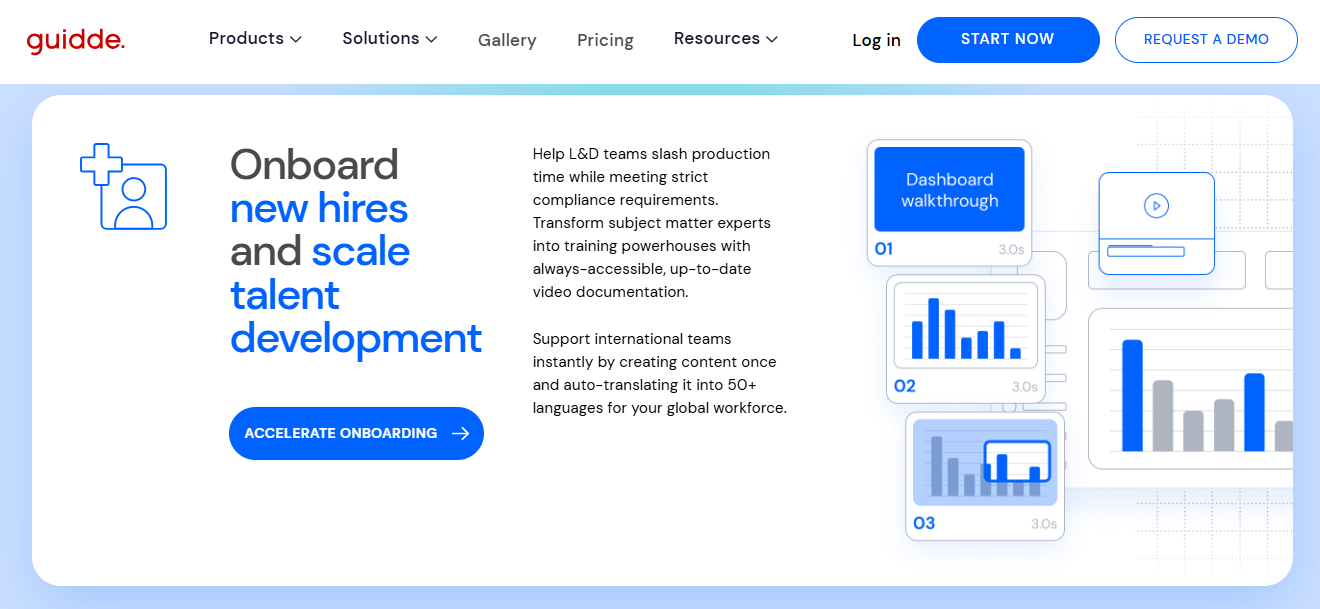
Several tools can help teams create or adapt training videos for different languages. The best fit depends on whether you’re building step-by-step tutorials, translating existing videos, or creating training content with AI presenters.
| Tool | What it does | Starting price | Standout feature |
| Guidde | Automatically creates step-by-step training videos from recorded workflows, with AI narration and multilingual options. | Free plan; paid plans from $19/creator/month, billed annually. | Turns recorded workflows into narrated tutorials with minimal manual editing. |
| HeyGen | Creates videos with AI presenters and translates existing videos into other languages. | Free plan; paid plans from $29/month. | AI video translation with voice dubbing and lip-sync capabilities. |
| Loom | Records screen demonstrations and video messages for training and team communication. | Free plan; paid plans from $18/user/month. | Fast screen recording and sharing, with transcriptions and captions. |
| Synthesia | Creates training videos using AI presenters, with multilingual voiceovers and video dubbing. | Free plan; paid plans from $18/month, billed annually. | AI presenters that let teams create training videos without filming anyone. |
Note: Starting prices don’t necessarily include every localization feature. For example, Guidde’s automatic multilingual translation is available as an Enterprise add-on.
How to Keep Multilingual Training Videos Up to Date
Training videos need regular updates as company procedures, software, and policies change. When you have versions in multiple languages, it’s important to keep them all current.
Assign someone to manage the localization process and establish a review schedule for your training library. Keep a record of each video’s language versions, publication dates, and most recent updates.
When the original video changes, identify which localized versions need revisions. Depending on the changes, you may only need to update a section of the narration or replace a few screenshots.
Before publishing revised videos, have a qualified reviewer check the translations again. Even small changes to instructions can introduce errors or inconsistencies across languages.
Make Global Training More Accessible with AI
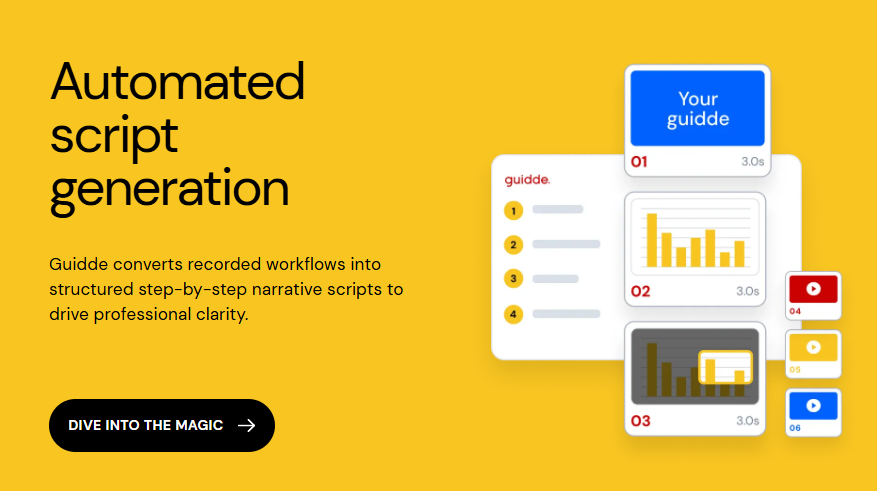
Training video localization helps employees access clear, relevant instructions in the language they’re most comfortable using. With AI translation and voiceover tools, organizations can reach more employees without the time and expense of producing every video from scratch.
Start with one high-value training video, like an onboarding tutorial or frequently used software demonstration. Localize it for your most important audiences, gather feedback, and use what you learn to improve your process before expanding to the rest of your training library.



 English
  German
  Spanish
  French