

- The Best Inbox Placement Test Tools I’ve Tried - noviembre 2, 2026
- Best Custom Branded Office Supplies for Corporate Gifting - noviembre 1, 2026
- How to Hire an AI Consultant: Where to Find Experts and What to Ask - octubre 14, 2026
Last Updated on noviembre 2, 2026 by Kristal Espinoza
The first time I suspected a client’s emails were landing in spam, nothing in their ESP dashboard said so. At the time, this mysterious gap was what led me to explore tools that could help not only identify, but fix this problem. Now, I make sure to run an inbox placement test before trusting any open rate.
I’m a freelance email marketer and over the years, I’ve built and managed lists for creators and small business owners across all sorts of industries. I’ve come to learn that “delivered” only means a mail server accepted the message. What it doesn’t tell you is whether or not the message made it into the inbox or was redirected to promotions or spam.
Depending on your work, as a freelancer, business owner or in-house marketer, your needs are likely different from mine but I believe the information I gathered in testing can help you choose the right tool for you.
How I Tested Each Inbox Placement Test Tool

Over the past year and a half, I’ve tested seven inbox placement tools across different clients on campaigns. I ran each tool against the same campaign, from the same sending domain and ESP, within the same time period. I was then able to compare where the seeding inboxes said the mail landed against the data it showed.
I’ve tried to give every tool a fair look at what it does well and where it falls short. One of them, InboxAlly, ended up working the best for my clients, and I’ll explain why.
Inbox Placement Test Tools Compared

| Tool Name | Best for | Free Option | Paid Option |
| InboxAlly | Finding a placement problem for free, then fixing it | 1 test per day, no signup | Starting at $149 per month |
| GlockApps | Broad seed coverage and ongoing monitoring | 2 free test credits | Starting at $85 per month |
| UnSpam | Cheap, occasional tests across more providers | 1 test | Starting at $5 per month (pay per test) |
| ZeroBounce | Great for b2b teams that also need list validation | 1 test | Starting at $99 per month, Pay-as-you-go starting at $39 |
| mail-tester.com | Quick spam checks | Gratis | Gratis |
Why Open Rates Stopped Telling Me the Truth

Open rates measure whether a tracking pixel is loaded, and that’s no longer a proxy for being seen. Apple Mail specifically pre-fetches images for most of its users, so every Apple inbox can register as an “open,” even when the email sits unread. A list that’s 60% Apple Mail, can hide a Gmail spam problem almost entirely.
What I saw with my initial problem client was that open rates were steady while clicks from Gmail addresses collapsed. When I split the report by mailbox provider, Gmail opens were 12% against nearly 41% for Apple which was suspicious. A placement test confirmed that 11 of 16 seed inboxes were placing the campaign I tested in spam. This is when I knew I needed more information to identify the reason it was being filtered and how to fix it.
Types of Inbox Placement Tests

Depending on what you need to check, it helps to know what kind of test you’re running.
A spam-score test acts as a proofreading layer. With this test you send one email to a single test address. The tool reads it the way a spam filter would: checking whether your sender settings are in place, whether any links look dodgy and if your domain is on a blocklist. Then it generates you a grade.
It’s important to note that a perfect grade here doesn’t necessarily mean your email will reach the intended inbox because it fails to check how email service providers see you as the sender. MailGenius runs this test.
A seed-list placement test gives you a list of real inboxes at Gmail, Outlook, Yahoo and others. You can add them into your actual campaign and send it as normal, or as a test batch first. The tool then reports which inboxes received the email, and in which box (main, promotions, or spam).
It’s a good sample-style test to gauge how your delivery is performing. InboxAlly’s free tester, GlockApps, Unspam, ZeroBounce and Salesforge all run this kind of test.
An ongoing monitoring test is less of a one-time check, and more of an ongoing tool that continues to run tests on your delivery on a schedule. It also will watch your reputation and blocklisting signals to ensure you can catch a problem early before your delivery starts to slip. It’s obviously a lot better to catch a delivery problem early then to find out later and have it impact your sales.
GlockApps and InboxAlly’s paid plans both do this. If you’re an email marketer managing multiple accounts or big lists, ongoing monitoring through a tool is a great way to stay on top of delivery health.
Getting into main inboxes has become harder and the pressure to ensure delivery is solid continues to grow. In February 2024, Gmail and Yahoo both started enforcing stricter rules for bulk senders and Microsoft followed in May 2025. If you send 5,000+ emails a day, you now need SPF, DKIM and DMARC set up and one-click unsubscribe in every marketing email. You also need to keep spam complaints under 0.3%. Miss any of those, and your mail can land in spam even if your content is fine.
A Rundown of the Inbox Placement Tools I Tested
InboxAlly: Best for finding the problem and fixing it
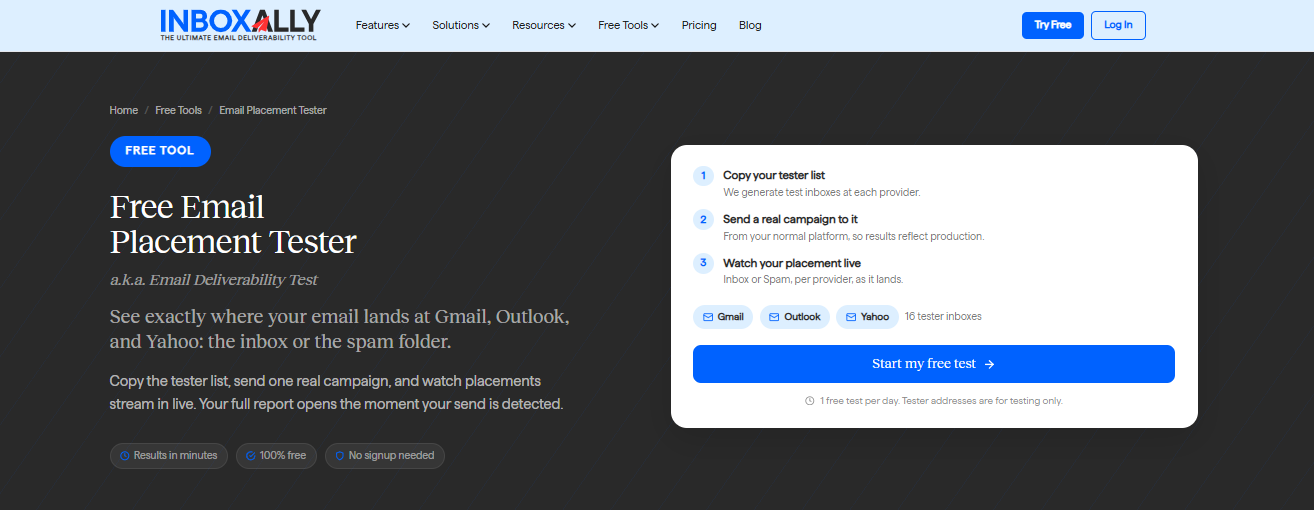
InboxAlly’s free Email Placement Tester is where I start with any new client now. All you need to do is click “start my free test” and it generates 16 tester inboxes across Gmail, Outlook and Yahoo. You simply paste them into your campaign in your own email tool and send it. There’s no test template so it reflects your actual content, domain and sending infrastructure.
The report is available as soon as the mail arrives in each inbox and marks each as Inbox, Spam, or Missing. It takes me about 10 minutes per run to show what three weeks (or more) of open-rate data that it would take to identify a delivery pattern problem.
What I found set InboxAlly apart from the other tools I tried is what comes after the test. Most of the testers here diagnose the problem and leave you to fix it. InboxAlly’s paid platform adds its seed addresses to your regular sends so it can open, scroll, reply, and mark each email as important. The engagement history InboxAlly helps establish is exactly what Gmail and Outlook use to judge your domain’s reputation, and will help pull new or low-trust emails out of spam in time.
There are some caveats to InboxAlly’s tool. For one thing, it’s not an instant fix. Rebuilding a reputation can take time so if the problem was identified close to an important send date, there’s a chance your delivery won’t be fixed in time (this is why ongoing monitoring is ideal).The tool also can’t account for broken authentication, a bad list or sending pattern.
GlockApps: Best for broad seed coverage and ongoing monitoring
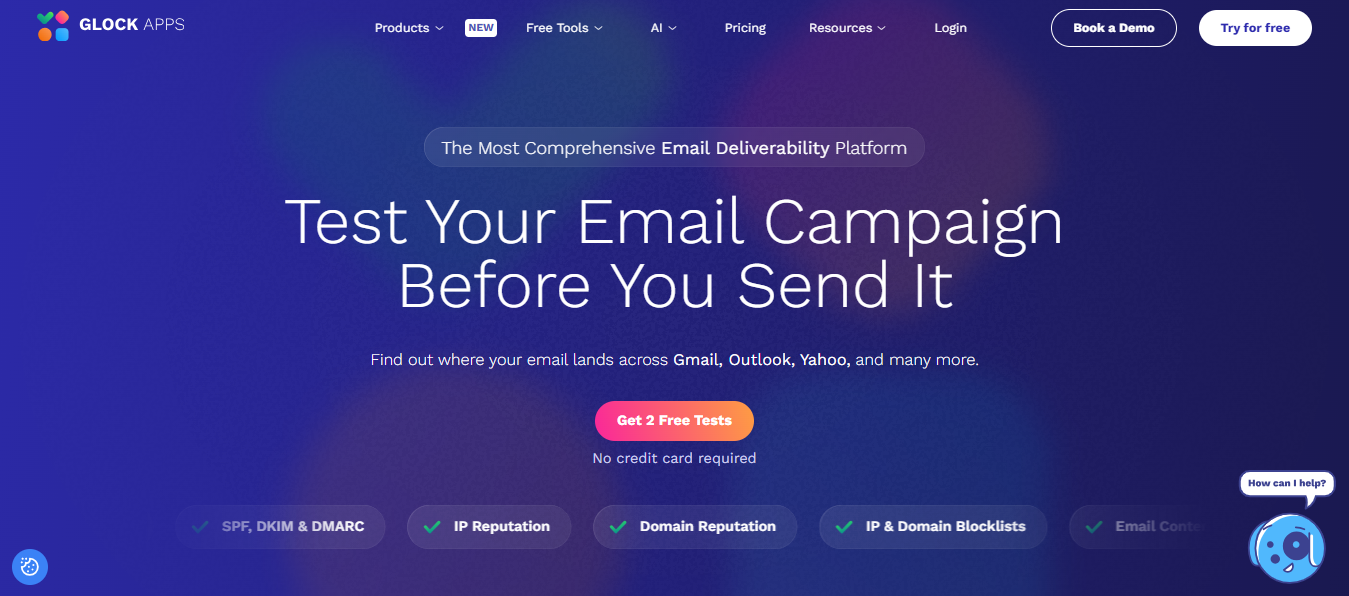
I found the GlockApps tool great for pure measurement. It’s also the one I’d most likely recommend to clients who already have healthy placement and want to run tests to keep it that way.
GlockApps has the broadest seed list out of the tools I tested. It offers a better review across email providers and regions than any of the other free testers I tried. Each of its free tests run your messages through filters like SpamAssassin and Barracuda, and the dashboard adds DMARC report and IP reputation. They also have a MailChimp integration, which could be useful.
While I do like the different test options, the tool itself isn’t as intuitive as some of the others I tried. GlockApps only shows you the problem, but leaves you to fix it. Their credits also add up really quickly if you need to test often.
Unspam: Best for cheap, occasional tests
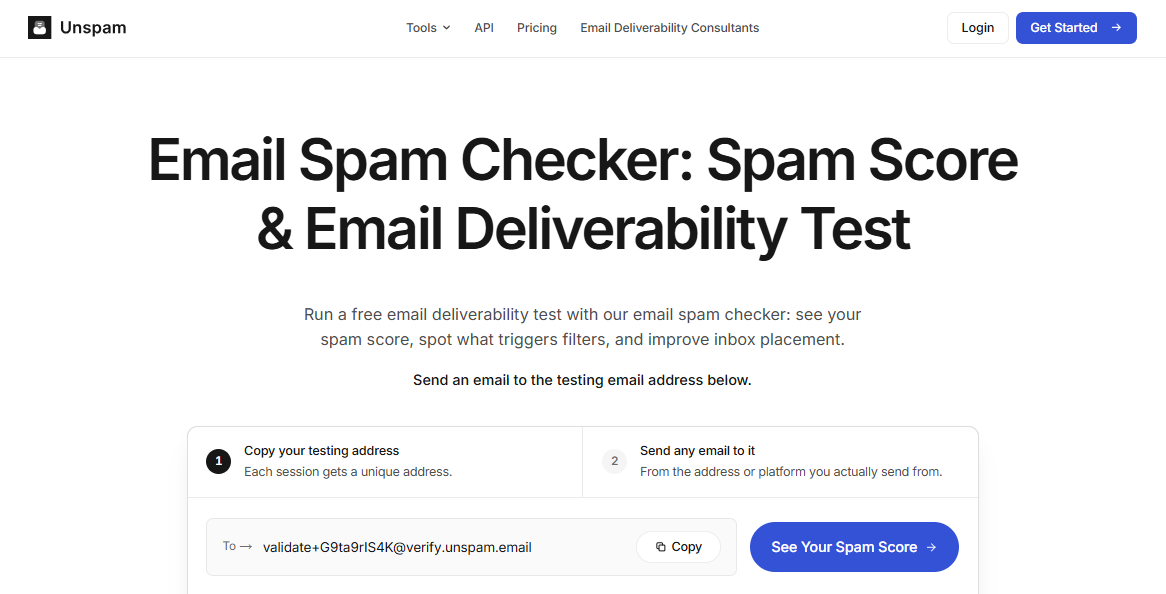
Unlike the other tools, Unspam charges by individual tests rather than a monthly subscription which might be better suited for small businesses, organizations, events or individuals who are only sending out a few campaigns.
I still use it on occasion to quickly test my own (very infrequent) sends to my network before I share availability for new work, want to offer referral discounts, etc. I like that the test covers a more extensive list of providers than some of the other tools: Zoho, ProntoMail, AOL and GMX as well as the big three.
I also like that the placement tests are pretty affordable. The free plan includes three inbox placement tests per month, plus a handful of other helpful tools. Their paid option is customizable based on your needs. For email placement tests specifically, it will cost you $0.50 each and comes with DMARC monitoring no matter how many tests you need.
Even if you need to run a bunch of tests, your cost can stay relatively low with UnSpam.
ZeroBounce: Best if you also need list validation
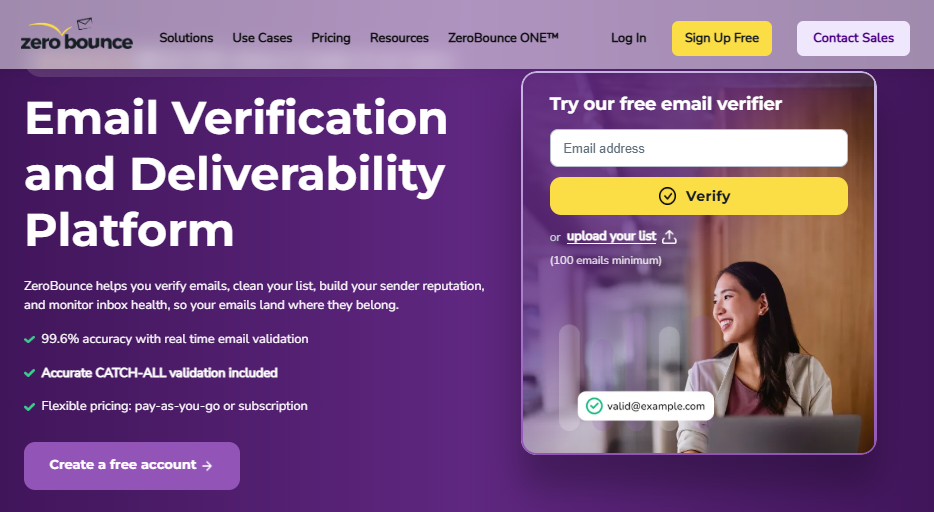
ZeroBounce is best known for email verification but its placement tester is quite a bit more capable than I anticipated. I was pleasantly surprised to find out it covers 20+ mailbox providers and can even test secure email gateways (those pesky corporate filters that impact b2b lists). The results of the test show you where the email landed along with a spam risk rating.
The setup for this tool has a lot more steps than the free testers and the free trial only includes one placement test. I think if you are already paying for list validation, this is a great addition to their plans but it isn’t great for one-off checks.
mail-tester.com: Best for a quick sanity check
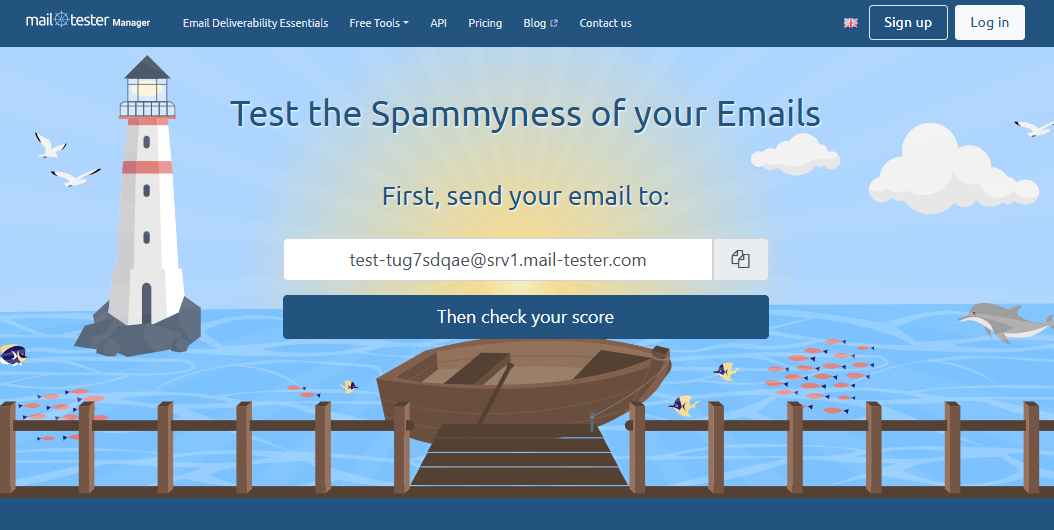
mail-tester.com works a bit differently. Instead of testing placement directly, it grades a single email across six categories to provide a simple rating out of ten.
I like that this report is clear enough to hand over to a client who might not understand what needs to be checked for placement health. It’s one of the fastest ways I’ve found to check record status or flag a spam problem before I spend time digging into a more complex placement test.
I think this tool is helpful to use in conjunction with another placement tool on this list, or to gauge whether a placement test is still necessary. This tool does not have any seeding capabilities, so there isn’t a way to check statuses with specific email providers, however, the tool is super easy to use and 100% free.
How to Choose the Right Tool

The right tool depends on whether you’re trying to find a problem, or fix one. If you just want to know where your mail lands, I’d recommend starting with InboxAlly’s free tester and keeping mail-tester.com bookmarked for quick setup checks. Between the two you’ll know within minutes whether you have a problem worth chasing.
If you need to test a handful of campaigns a month and watch every dollar, Unspam’s customizable pay-per-test model is hard to beat. If email is a major revenue contributor and you need ongoing, detailed monitoring, a GlockApps subscription might be one to look into for you. If you’re a B2B provider who needs to regularly clean lists and check on delivery behind corporate filters, ZeroBounce’s tester will save you from using multiple tools.
If any of these tool tests keep coming back red after you’ve fixed authentication and cleaned the list, more testing won’t help. That’s a reputation problem and it’s where I’ve had the most success with InboxAlly’s paid platform.



 English
 German
 Spanish
 French